
Frequently asked questions
This page covers the most common questions about installation, login, broker connection, mobile use and terminal access in MetaTrader 5.
The focus is on terminal behavior, account connection and practical first-use issues, not on trading advice or performance claims.
If you are troubleshooting access, missing quotes, login problems or terminal differences, this is the right place to start.
Installation and downloads
Common questions about installers, access paths, first launch and system-specific setup differences.
Which terminal download paths are available?
The site provides separate paths for Windows, macOS, Linux guidance, WebTerminal and mobile access. Different terminals do not all use the same installer package.
What if Windows warns me before opening the installer?
System and browser warnings for executable files are common. First confirm the source, filename and download path, then decide whether to continue based on your own device policy.
Why does Linux usually point to a guide instead of one direct package?
Linux environments differ in distributions, dependencies and compatibility layers, so a guided setup path is usually safer than a single universal installer.
Login and account access
Questions about broker servers, account permissions, quotes and symbol visibility after login.
Do I need a broker account before using MetaTrader 5?
The terminal can be installed and opened first, but quotes, tradable instruments, server connection and account permissions are all tied to the broker account used for login.
What if I do not know the broker server name?
The server name is usually provided by the broker in account emails, onboarding messages or account management pages. If there are several similar server names, use the one assigned to your account type and region.
Why can’t I see quotes or symbols after login?
First confirm that the account connected successfully, then check that the selected server is correct and that the required instruments were added to the watchlist.
Terminal access and differences
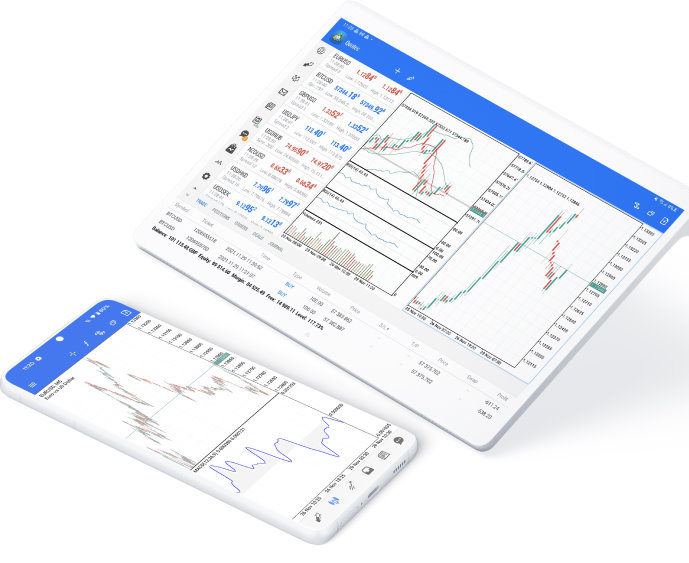
How desktop, web and mobile differ in practical use.
Can mobile replace the desktop terminal completely?
Not fully. Mobile is better for monitoring, alerts and position handling, while desktop is more suitable for chart work, strategy-related tasks and longer sessions.
What is the practical difference between WebTerminal and desktop?
Desktop is better for deeper workflows, local setup and longer analytical sessions. WebTerminal is better when browser-based access is more convenient than installing software.
Why do two users sometimes see different symbols or features?
Because instrument coverage, quote sources, permissions and related services can depend on the broker server and account type connected to the terminal.